
Stay present while you are Live
Spend less time switching between presenting and manually sending the same follow-up message.
Instagram Live comment automation
A Live can create a rush of audience interest that is hard to manage while you are presenting. Solovio helps you prepare follow-up messages for viewers who comment during your Live.
Get started free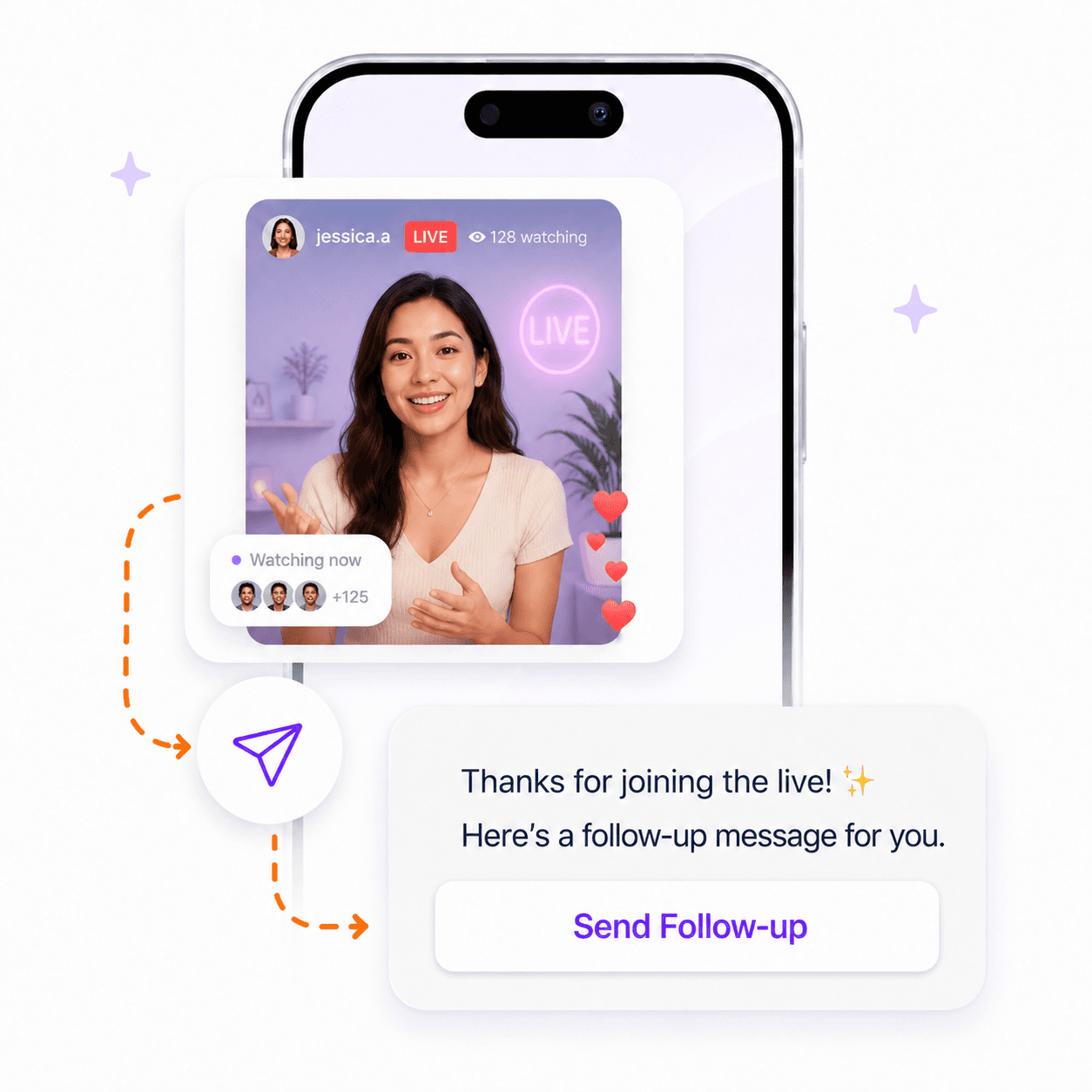
Why it helps
You should be able to focus on teaching, demonstrating, or answering questions in the moment. Live comment automation helps organize the follow-up work that comes next.
Spend less time switching between presenting and manually sending the same follow-up message.
Make it easier for viewers who comment to receive the guide, link, or offer mentioned during the Live.
Turn active participation into an organized next step instead of losing good conversations after the stream.
How it works
Start with one recurring audience request. Keep the first reply useful, then stay involved where your voice matters.
Tell viewers what to comment when they want the resource, product link, or next step you mention.
Use a clear keyword that is easy to say, remember, and type while the Live is running.
Write the direct message that delivers the promised resource and keeps the next step simple.
Return to replies after the Live and personally follow up where a viewer needs more help.
Use cases
Share a worksheet, replay link, or companion guide with viewers who comment during a teaching session.
Send the featured product page or offer after viewers comment that they want the details.
Give interested viewers a clear next step without pausing the Live to manage messages manually.
FAQs
Instagram Live comment automation is a follow-up workflow for viewers who comment during a Live. It can help you send the promised resource or next step without manually messaging each person during the stream.
No. A Live comment workflow should respond to viewers who actively comment, such as people who use the keyword you shared during the Live.
Send the next step your audience expects: a replay, guide, product page, booking link, workshop resource, or offer mentioned during the Live.
Yes. Automation is best used for the repeated first step. You can continue the conversation personally when a viewer replies or needs more help.
Creator toolkit
Start with a repeatable Instagram workflow, then keep more of your creator operations organized in one place.